Flux3 Image
FLUX 3 Image · in your browser
Nothing to install and no API key: sign in with Google, try it with free credits, then pay per image. Three sizes, 14 aspect ratios, layout boxes and edits with up to 10 photos.
Flux3 Image runs the image model Black Forest Labs released on October 1, 2026. Describe a poster, a portrait or a product shot, draw boxes to place every element, or upload up to 10 photos and say what should change. Every image on this page was made with this Flux 3 image generator.
Model facts · Updated November 17, 2026
FLUX 3 Image is the image part of FLUX 3, Black Forest Labs' multimodal model. It reached the API on October 1, 2026 with one endpoint for text to image and editing, bounding boxes for layout, up to ten reference images and output up to 4K. This Flux 3 image generator lets you use it in the browser.
From the official model page, the API release notes (October 1, 15 and 22, 2026) and the pricing page. The last row is this site, measured on November 17, 2026.
| Official name | FLUX 3 Image, from Black Forest Labs |
|---|---|
| Released | FLUX 3 unveiled July 23, 2026; FLUX 3 Image on the API October 1, 2026; open-weights Klein October 15, 2026 |
| API endpoint | POST /v1/flux-3-image |
| What it does | Text to image, pixel-exact local edits, up to 10 reference images and bounding-box layouts, all through one endpoint |
| Output | From 768 px previews to 4K (about 16 megapixels), in 15 aspect ratios |
| BFL API price | $0.048 per 1K image, $0.10 at 2K, $0.607 at 4K |
| Open weights | FLUX 3 Image Klein (5.6B) on Hugging Face, under the FLUX Kommunity License |
| On this site | 12 credits per 1K image, 1K / 2K / 4K, 14 aspect ratios, up to 10 reference photos per edit, layout boxes, JPEG downloads; about 30 to 70 seconds per image in our tests |
Layout mode
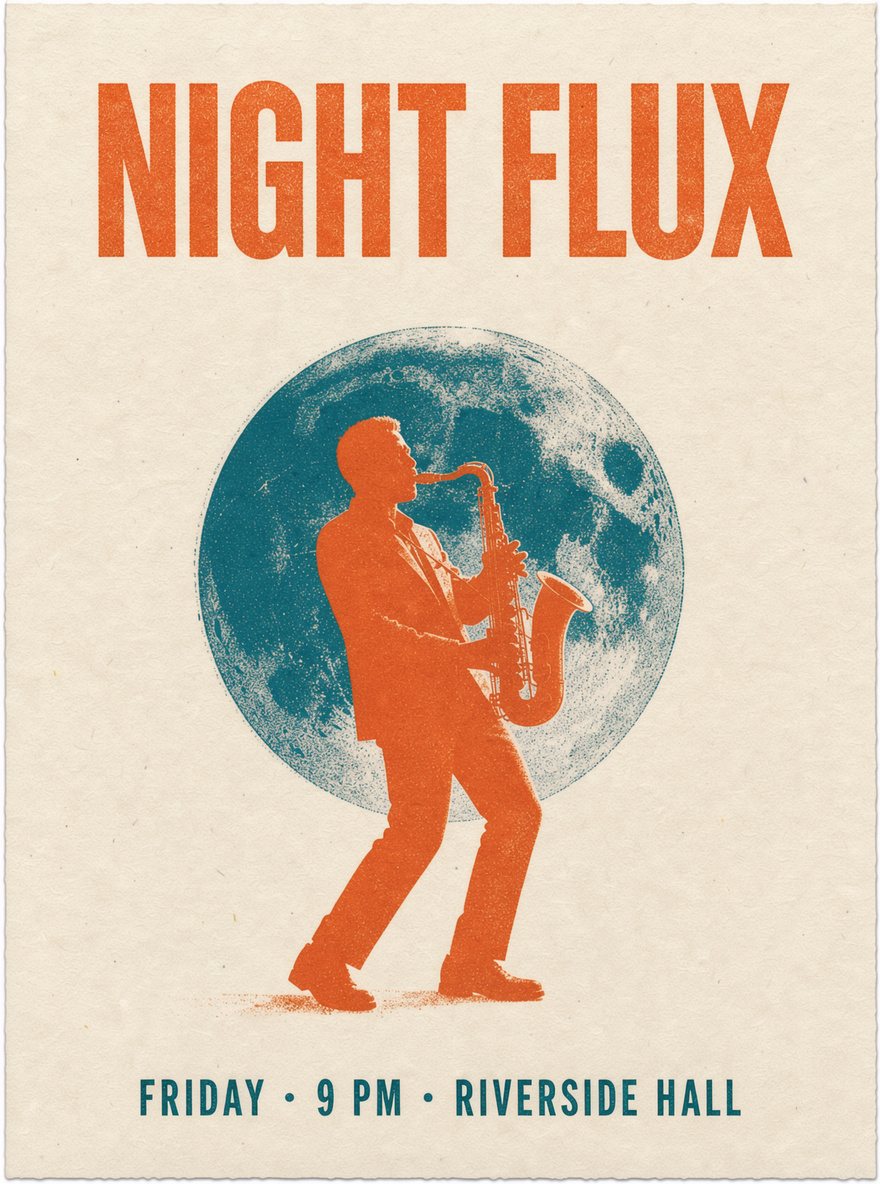
The model is trained to understand layout. Draw a box, say what goes in it, and the Flux 3 image generator keeps each element inside its box: a headline across the top, a subject in the middle, small print along the bottom.
{ "id": "element_1", "bbox": [60, 100, 230, 900] }
{ "id": "element_2", "bbox": [280, 220, 860, 780] }
{ "id": "element_3", "bbox": [890, 150, 960, 850] }Three ways to use FLUX 3 Image. Pick the one that fits how you work.
FLUX 3 Image · in your browser
Nothing to install and no API key: sign in with Google, try it with free credits, then pay per image. Three sizes, 14 aspect ratios, layout boxes and edits with up to 10 photos.
Playground · flux-tools.bfl.ai
The official tool for drawing bounding boxes by hand and trying precise edits. You need a BFL account.
POST /v1/flux-3-image
Call the model from your own code, billed per image (from $0.048 at 1K; Klein from $0.009). You need a BFL developer account and an API key.
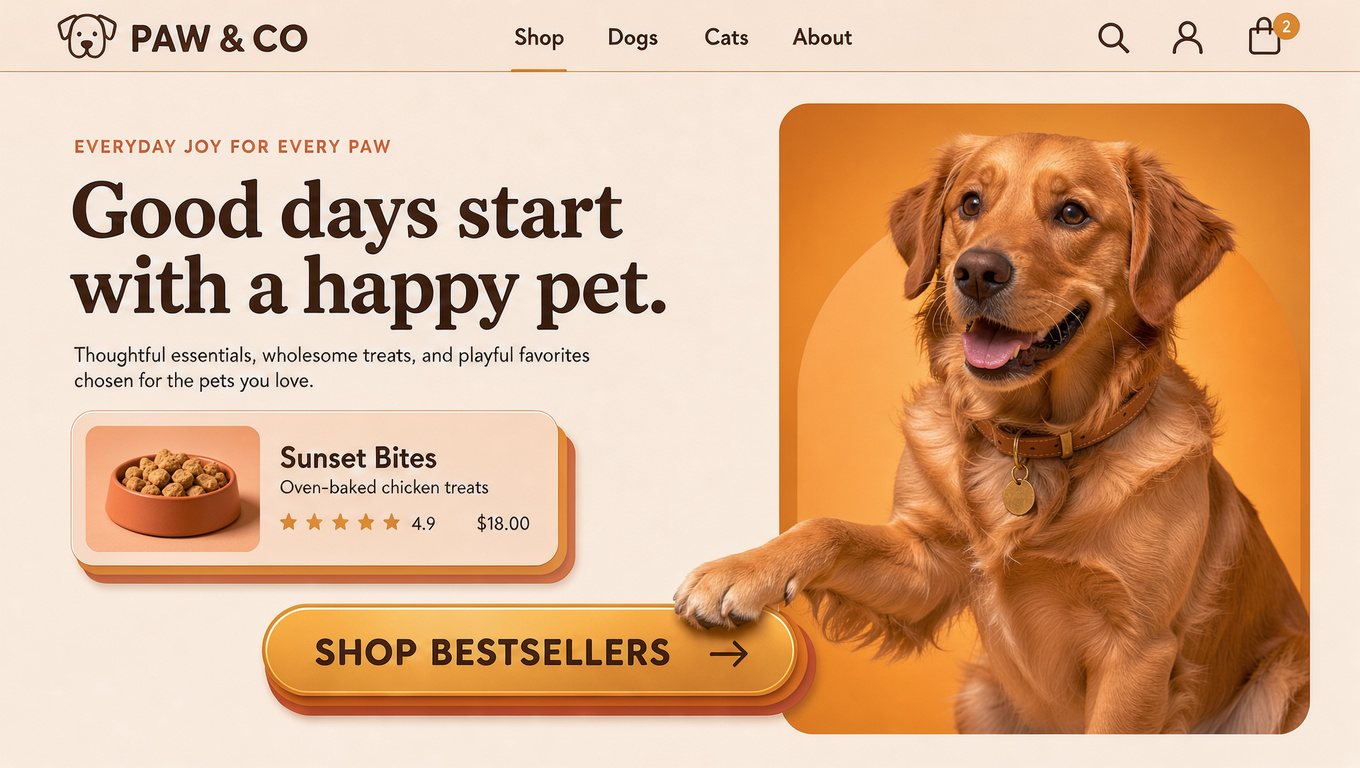
Every image here was made on this site with FLUX 3 Image. Tap one to load its prompt into the Flux 3 image generator, then make it your own.
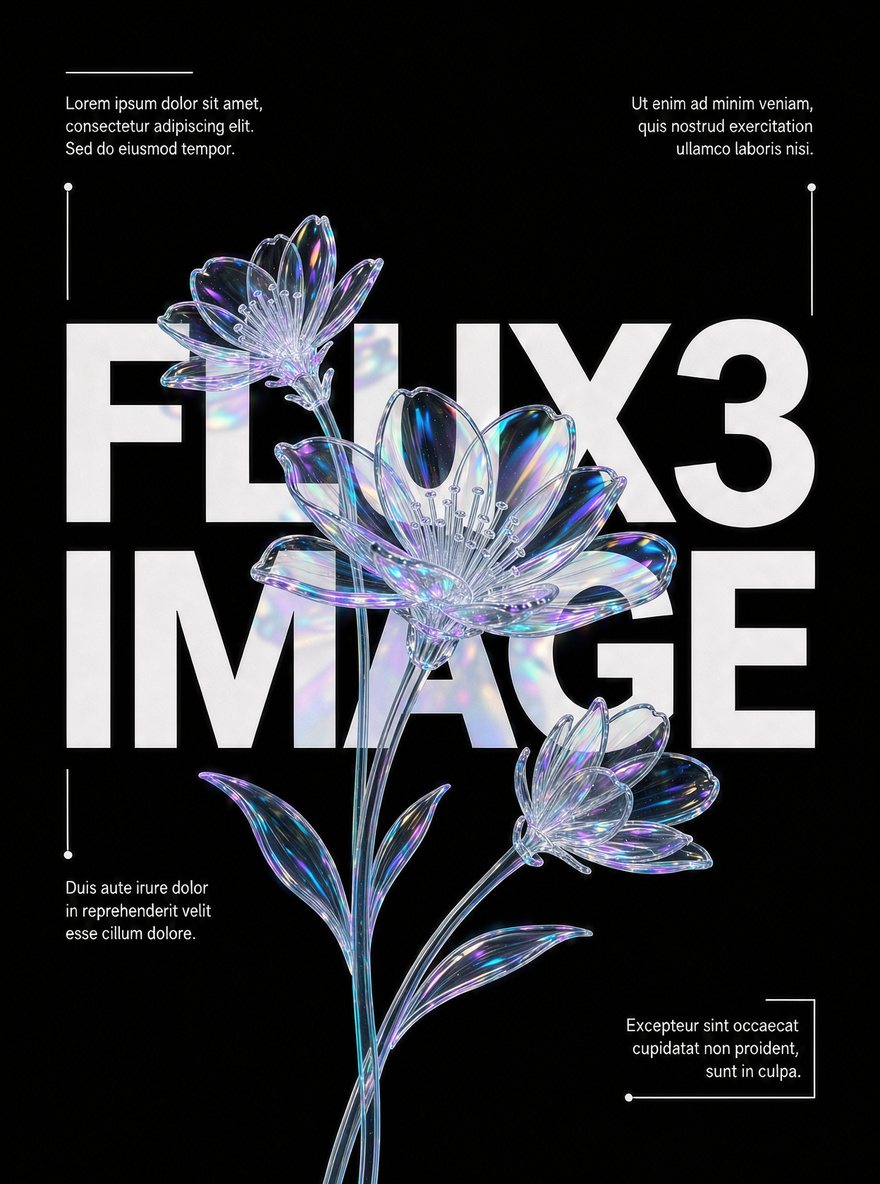
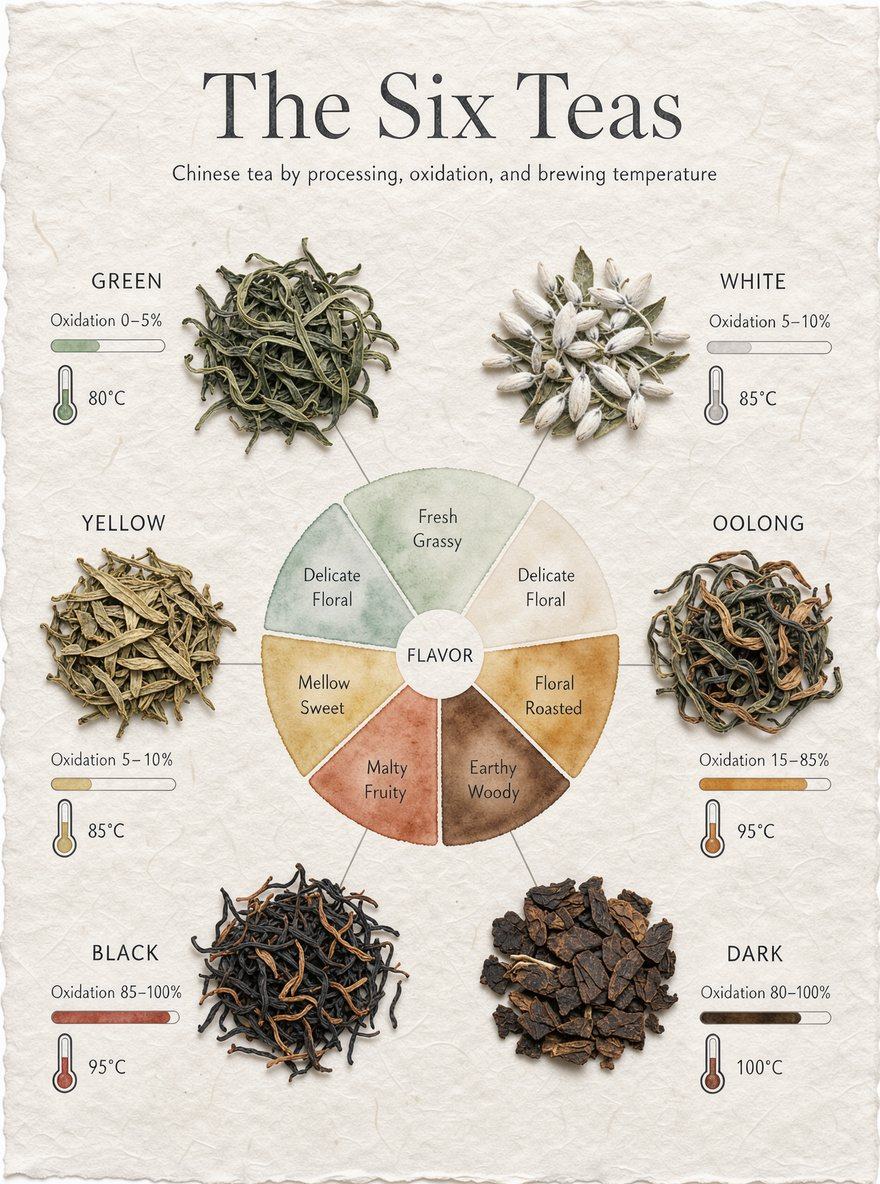
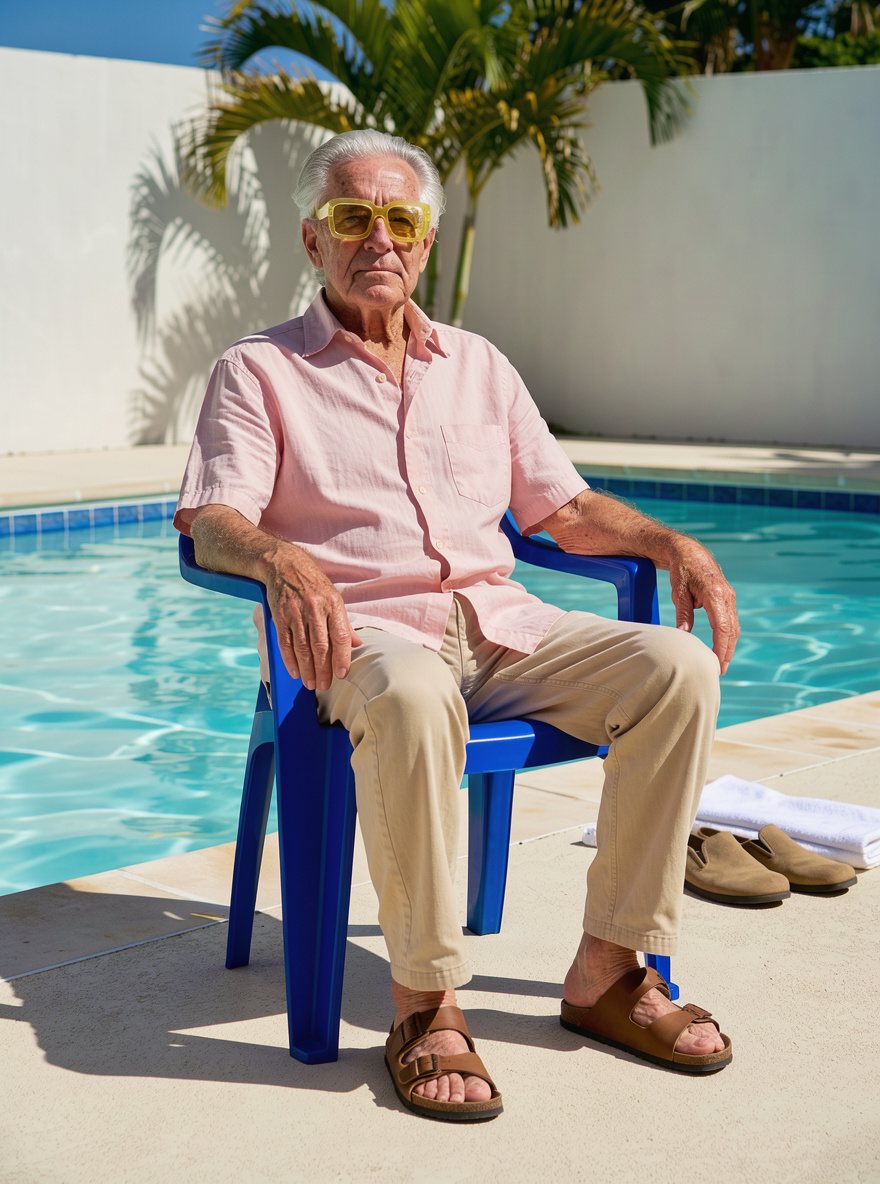
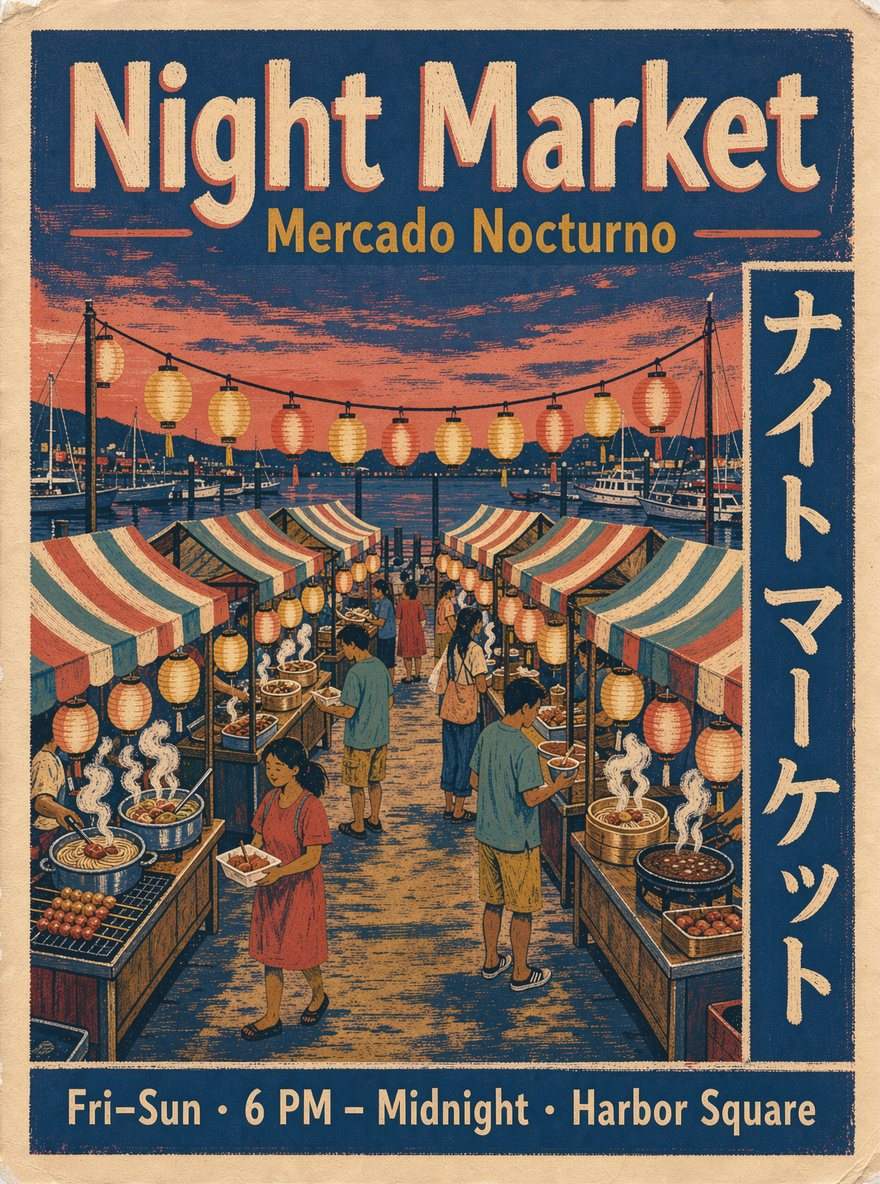
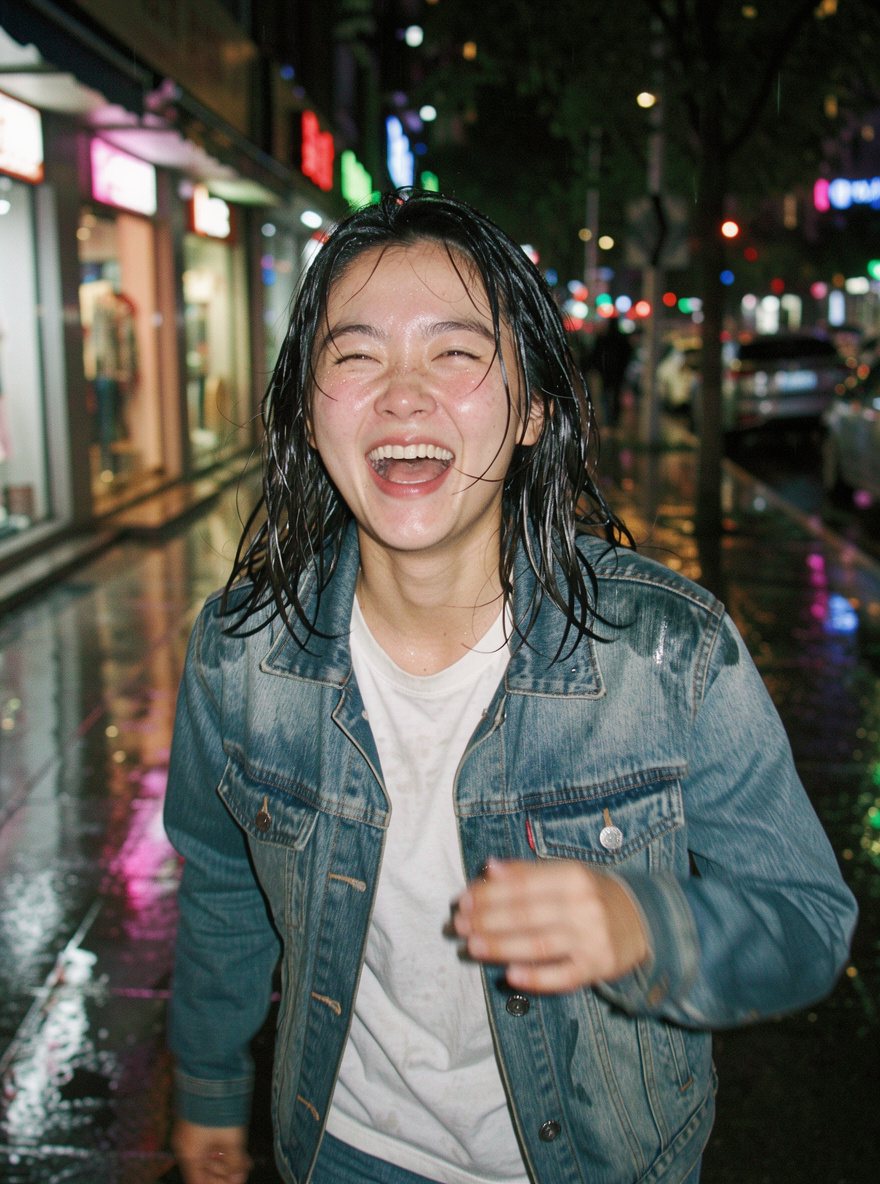
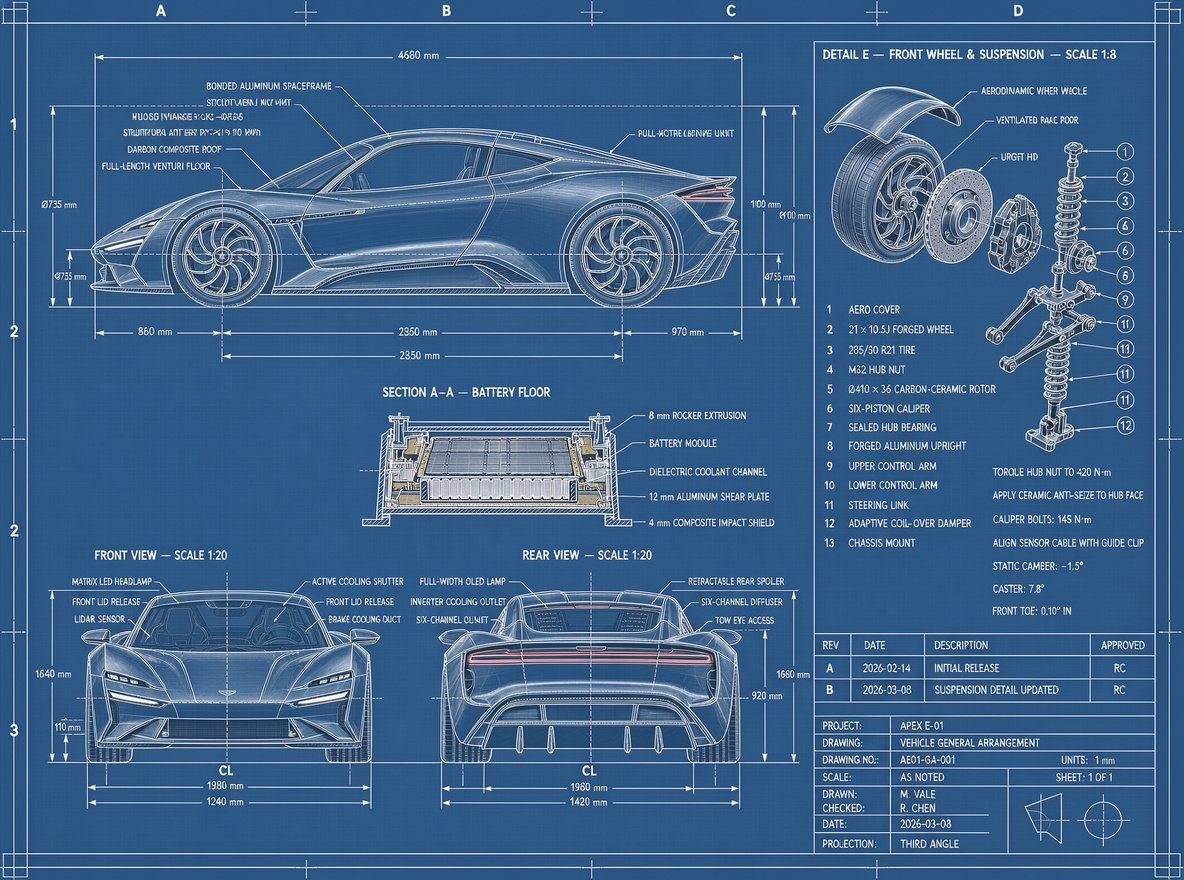

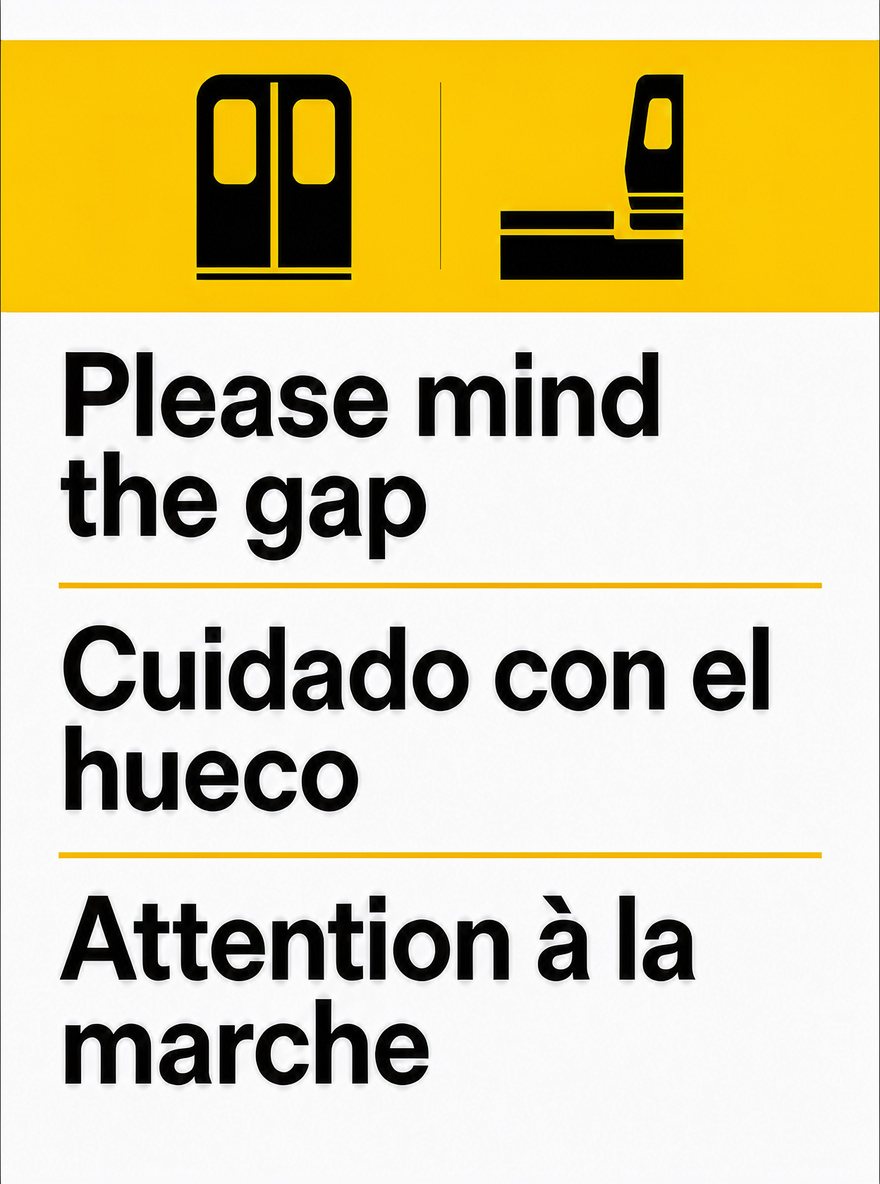
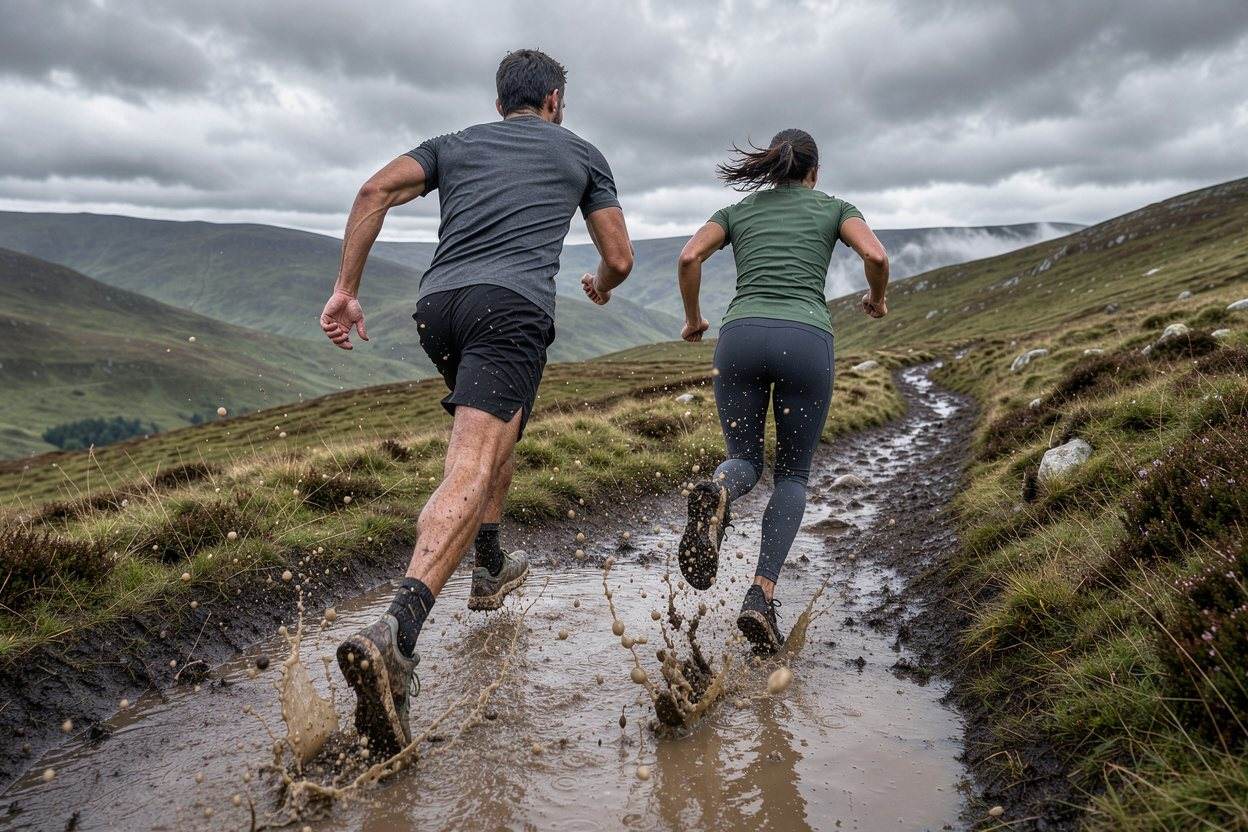
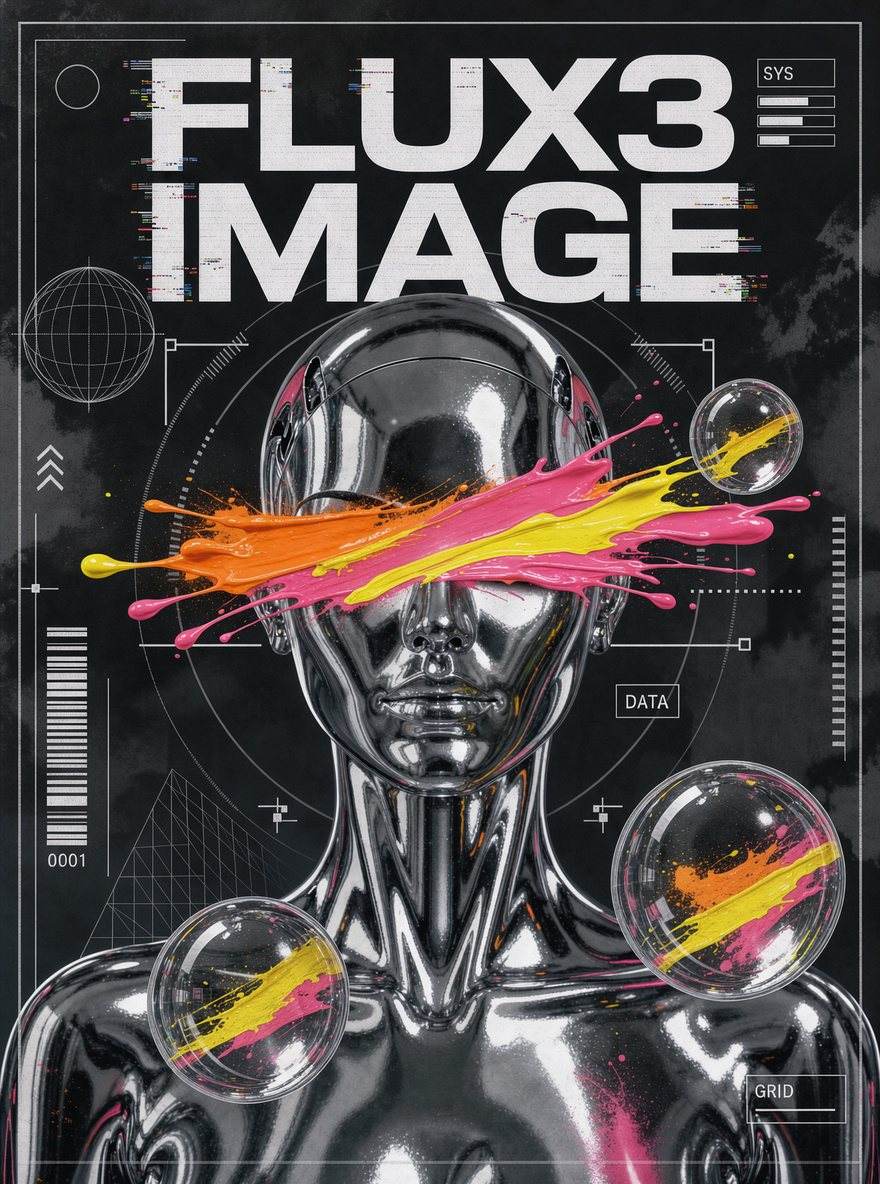
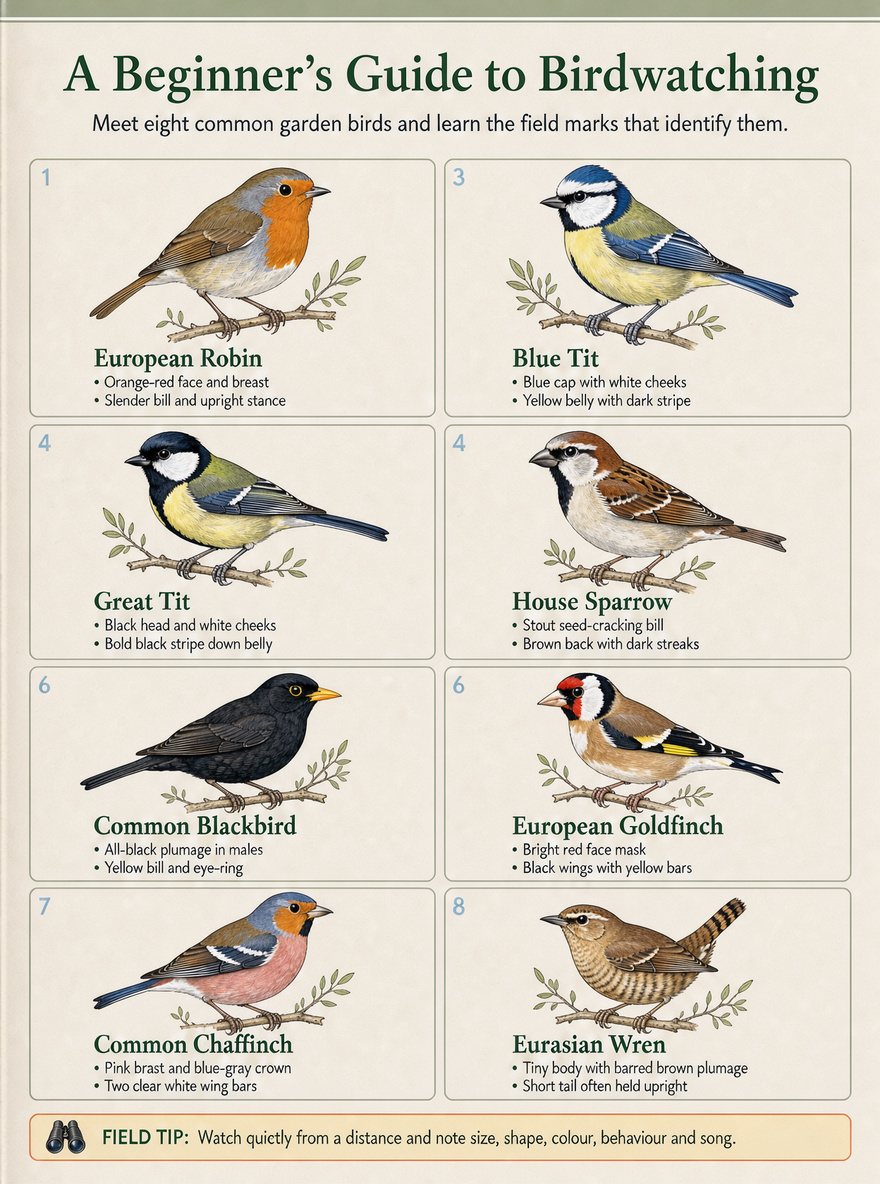
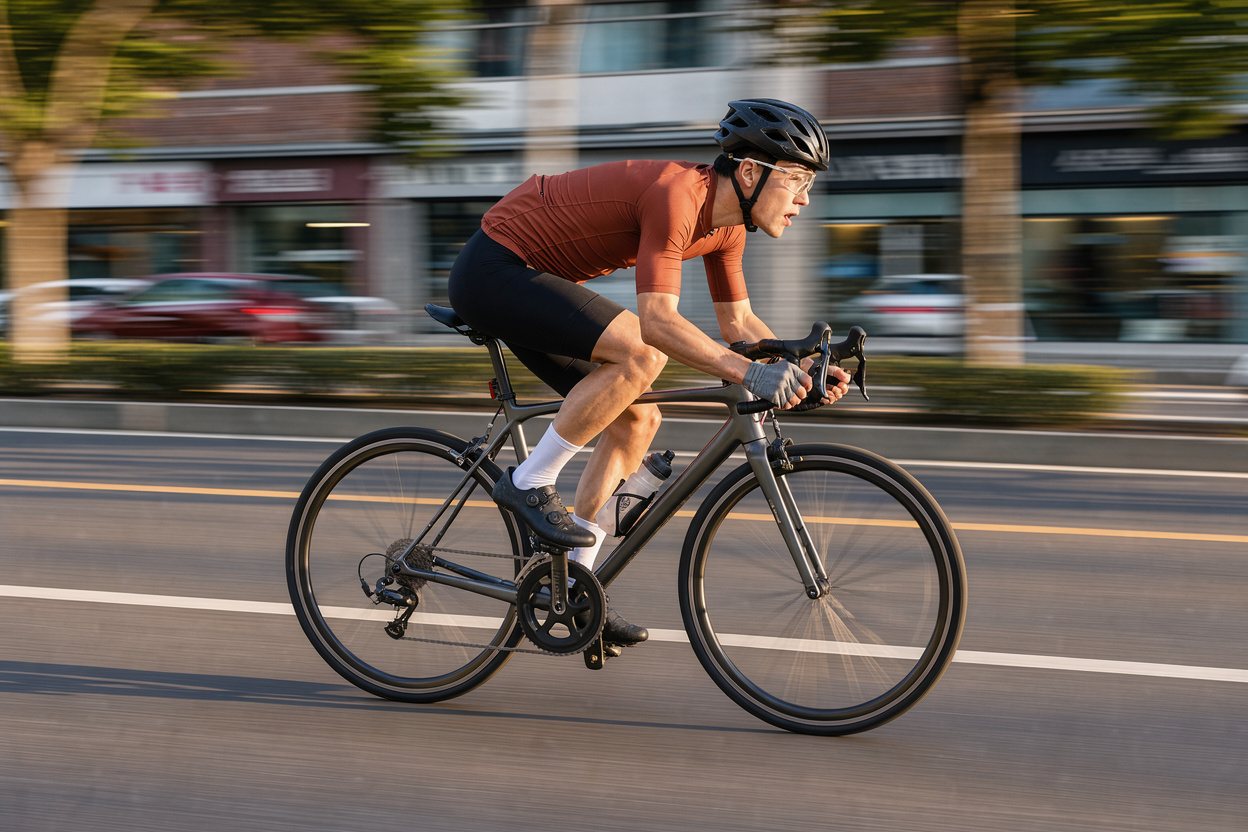
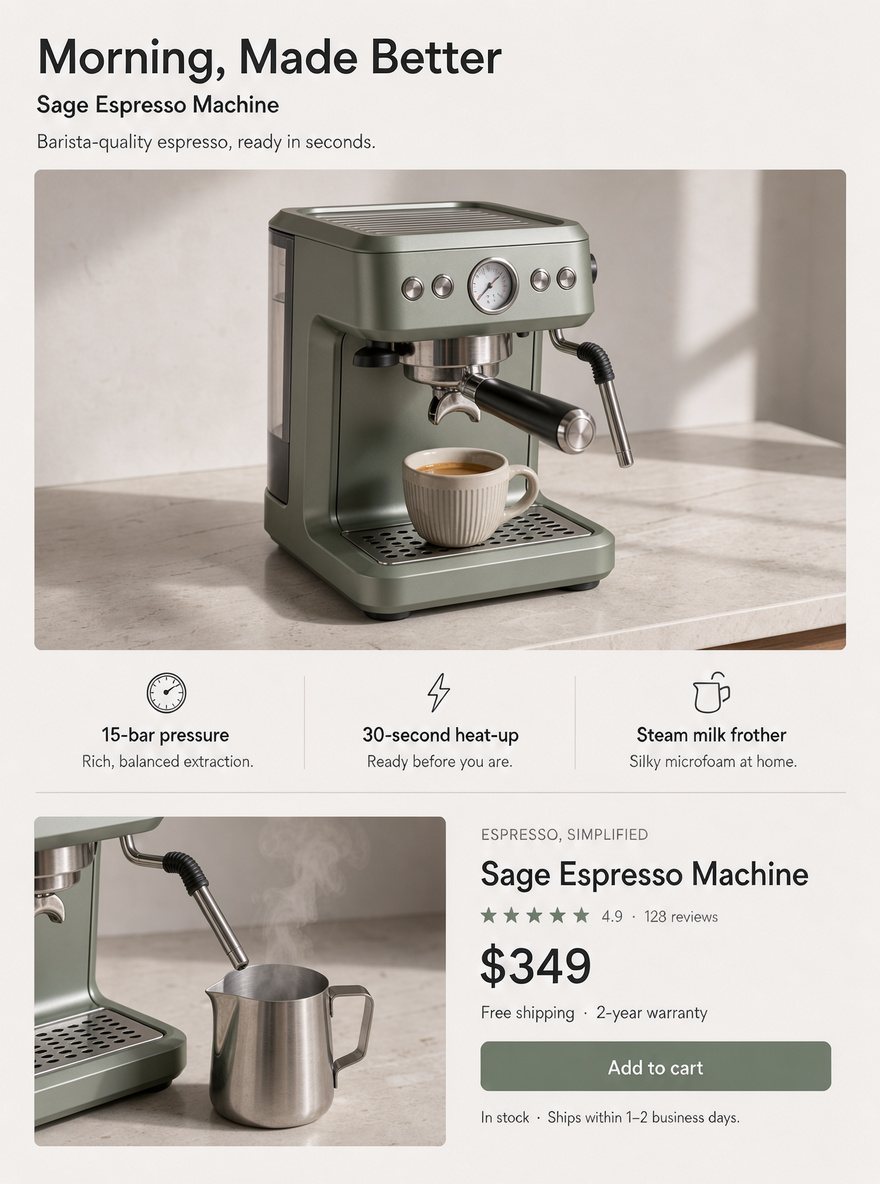
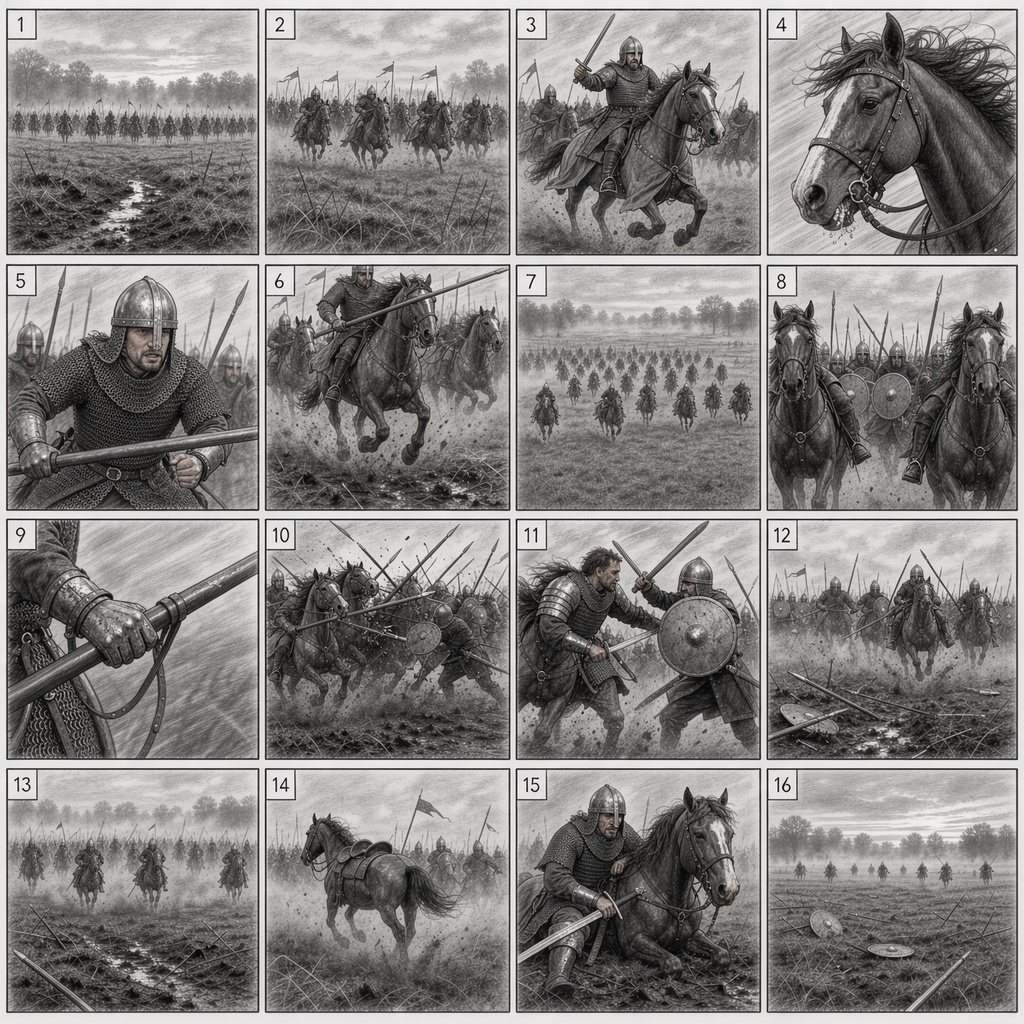
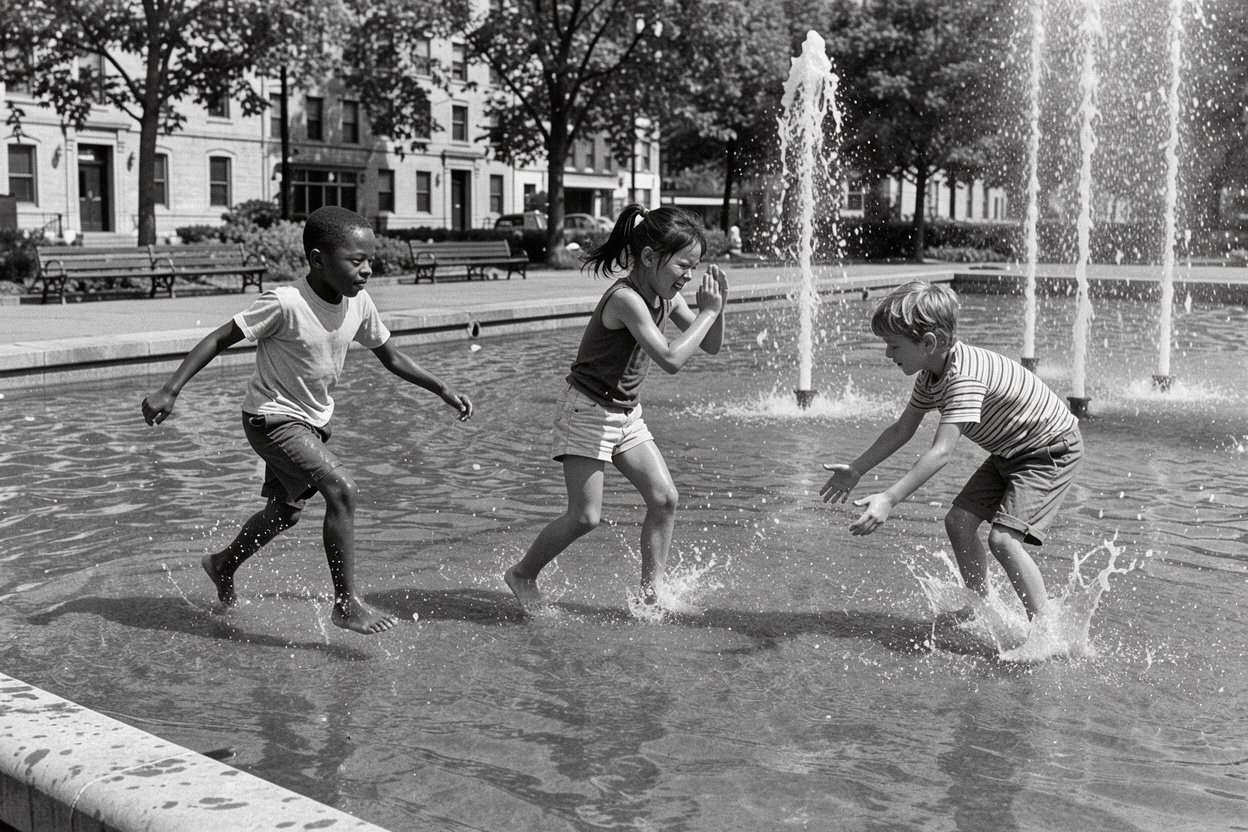
Built for control over every pixel, the model follows long prompts, renders clean text, places elements where you ask and leaves the rest of an image alone when you edit.
Text in images
Headlines and small print that stay clean
Put the exact words in quotes and ask the Flux 3 image generator for a poster, an infographic or a menu board. The official prompting tips: quotes for exact text, hex codes for exact colors. Still proofread before you print.
Use this prompt
Multi-reference
Up to 10 photos in one edit
Upload a scene, a product and a person, then say how they fit together, such as "the person from image 1 wears the jacket from image 2". Each edit takes up to 10 references, and with the Auto ratio the result keeps the shape of the first one.
Use this prompt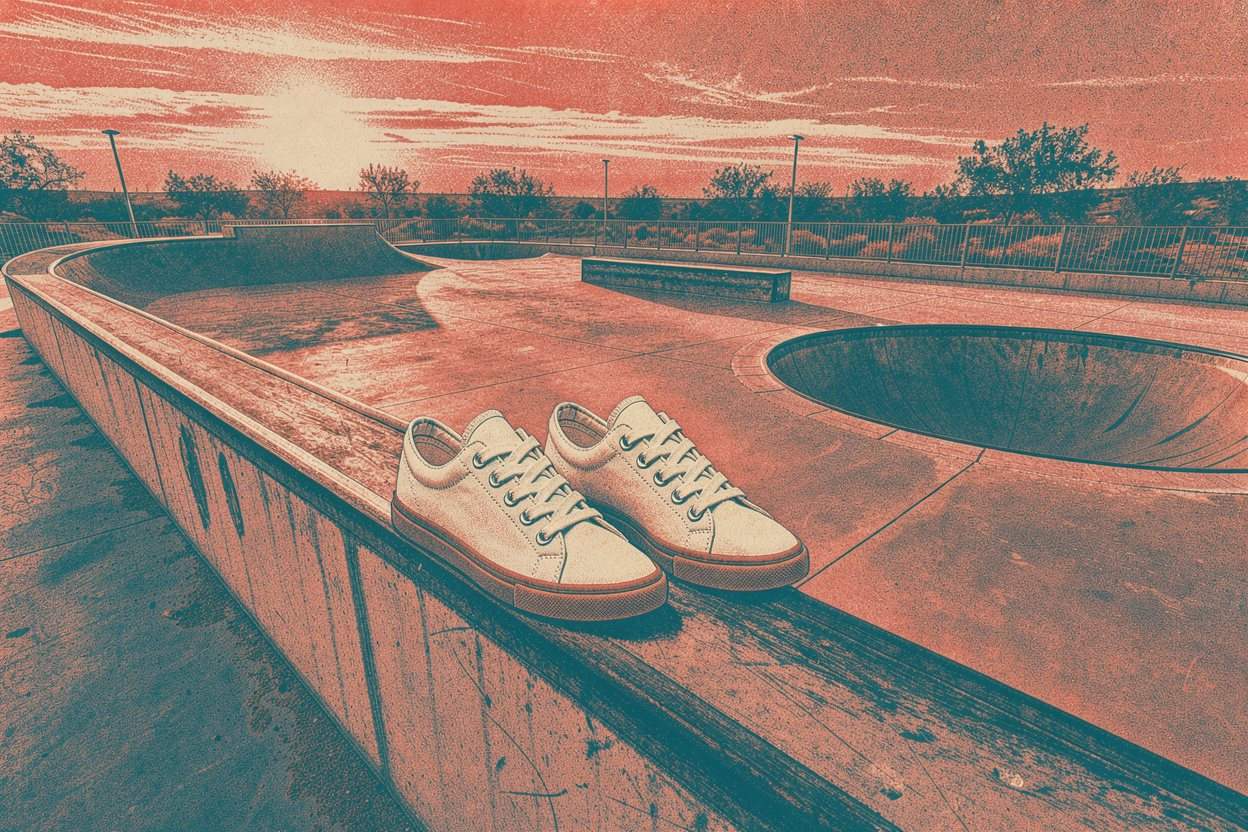
Photorealism
Light, skin and texture that hold up
Candid portraits, film looks and studio product photos come out of the Flux 3 image generator with natural light and believable texture. Pick 2K for social posts, or 4K (about 16 megapixels) on a paid plan for print and hero banners.
Use this prompt
Restyle
Same subject, new look
Upload a room sketch, a pet photo or a selfie and ask the Flux 3 image generator for a photoreal interior, an oil painting or a 16-bit game sprite. The subject and layout stay; the style changes.
Use this prompt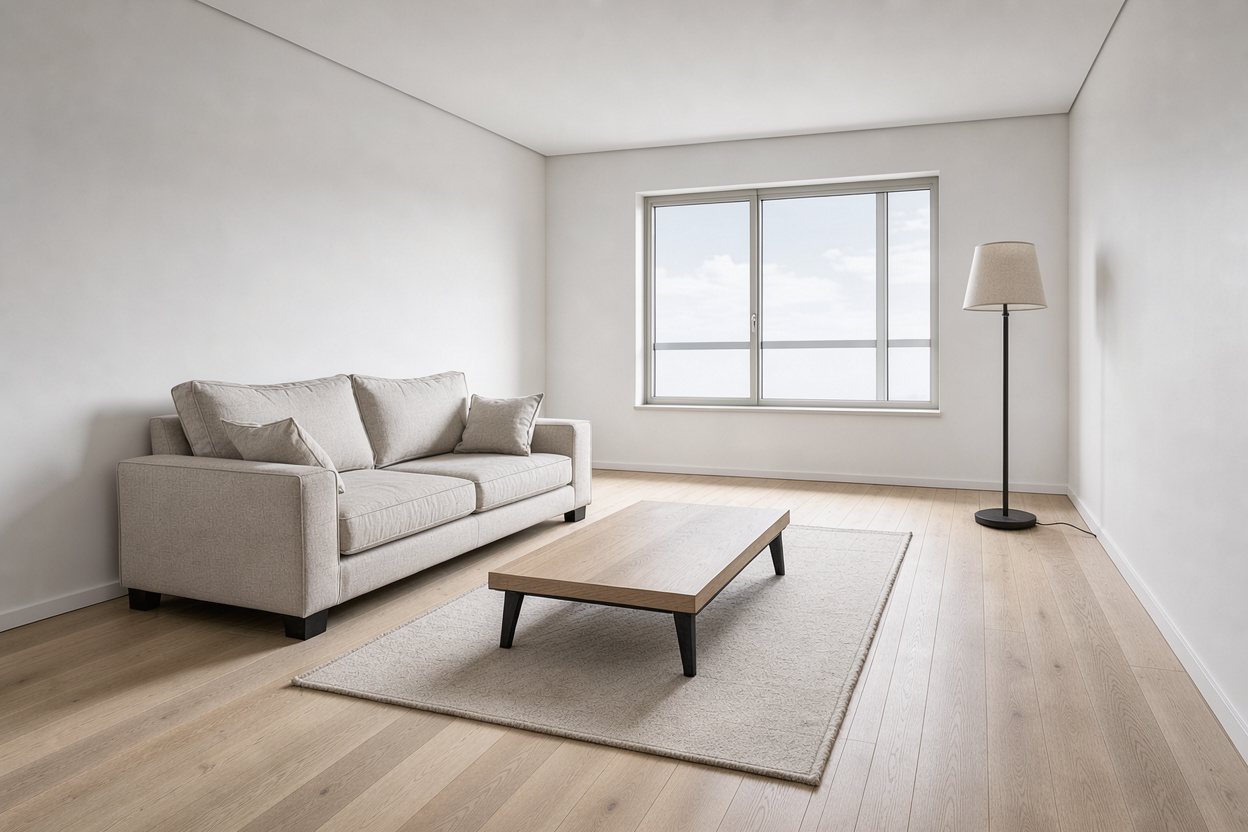
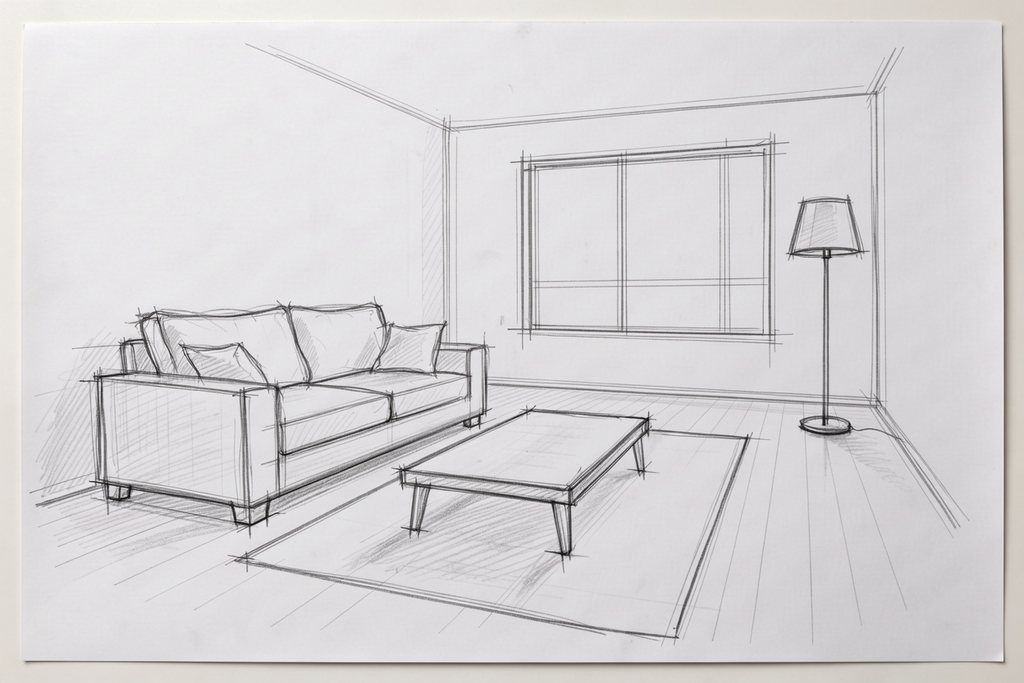
Pixel-precise editing
Change one thing. Keep the rest.
Upload a photo and say exactly what should change: a new sofa, a darker sky, a different wall color. The model finds the element you name and edits it, and everything you didn't touch stays where it was. Drag the handle to compare.
Try an edit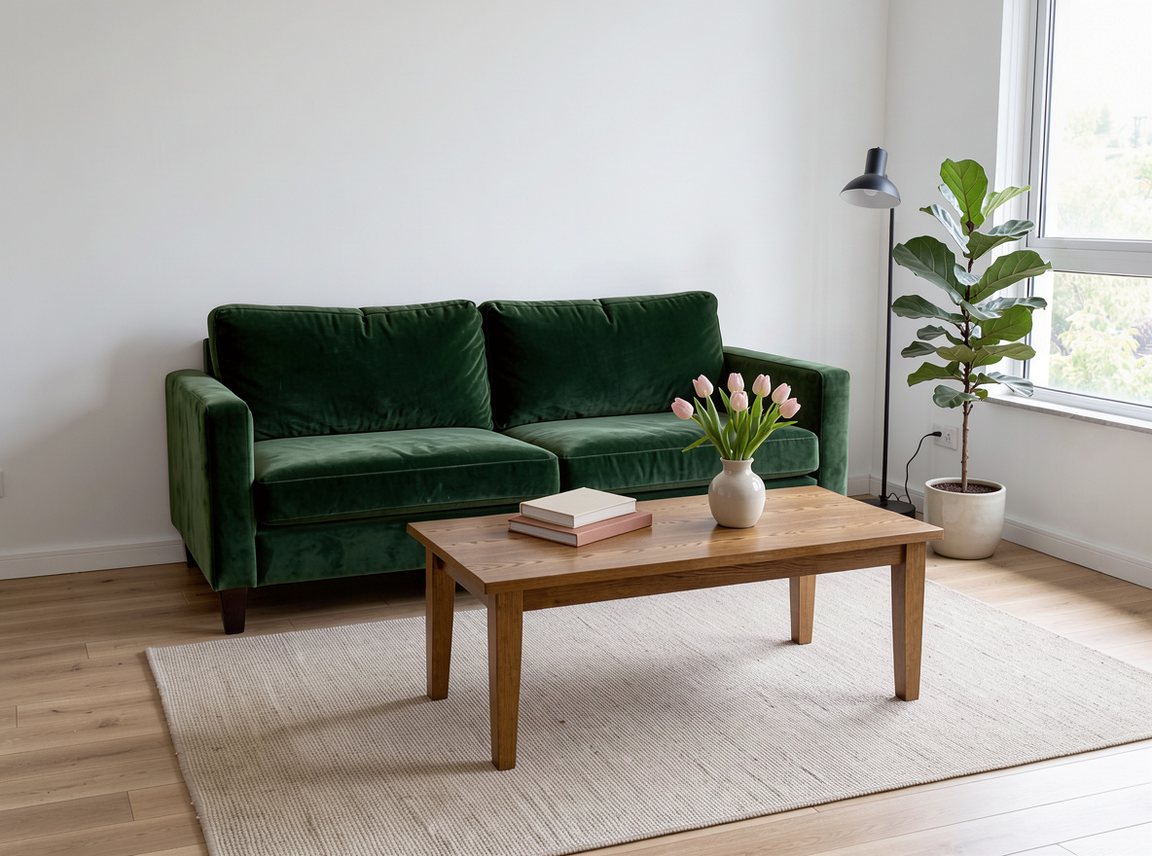
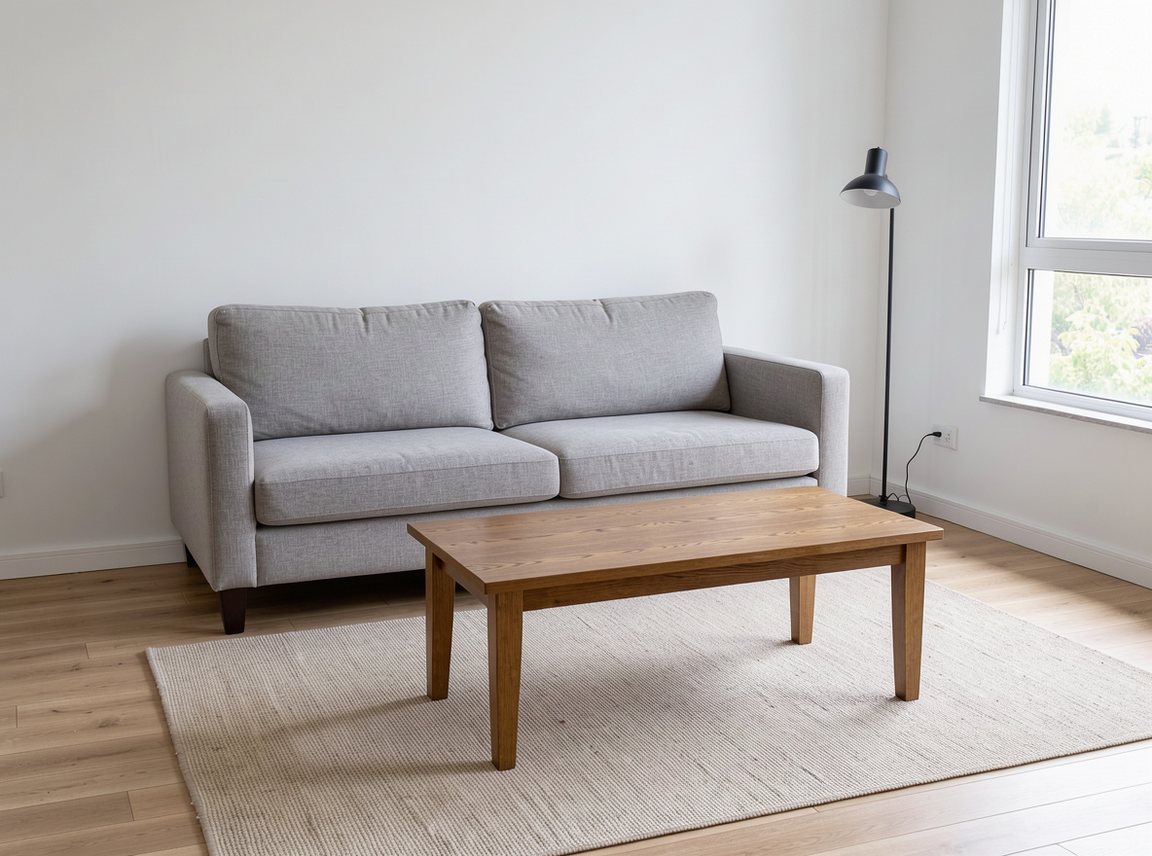 OriginalEdited
Give a hex code or name a fabric, and only that object changes. Perspective, shadows and reflections stay consistent.
Upload a menu, sign or poster and ask for another language. The layout, type style and colors stay as they were.
Turn day into night, warm up a room or add a sunset glow while every object stays in place.
Use cases
Creators, marketers, designers and sellers use it for posters, layouts, product shots and quick edits, then keep the versions that work.
Product pages, listing images and seasonal variants without a photo studio.
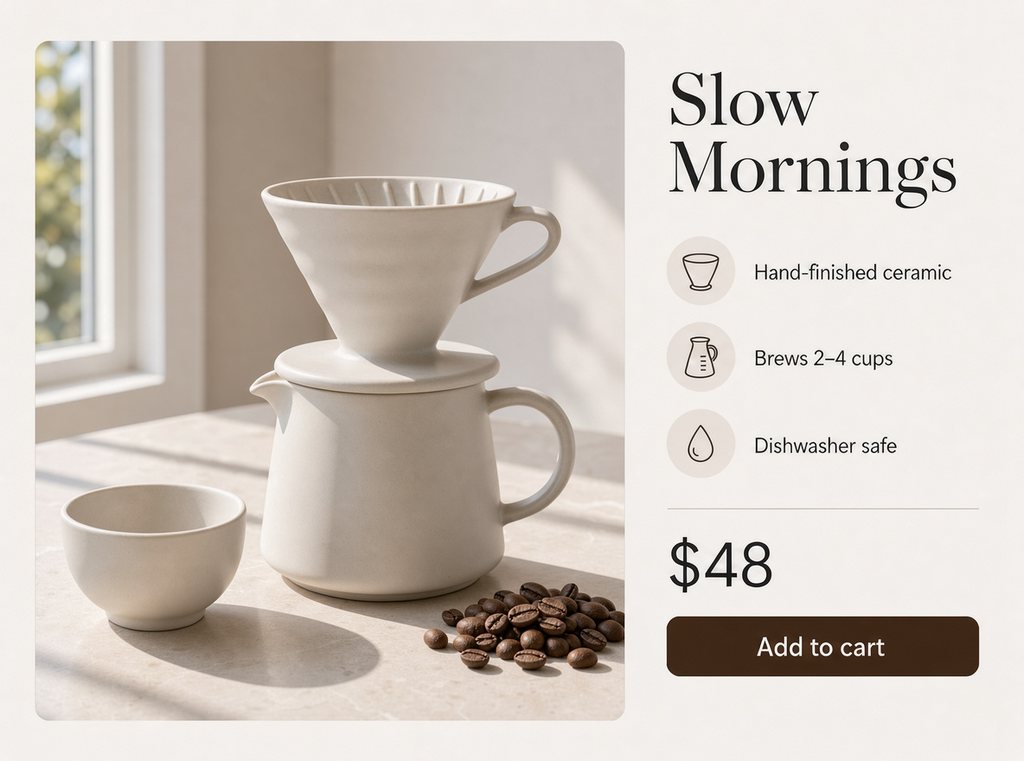
Describe the product, the headline and three selling points, and get a long-form page with callouts and a price block.
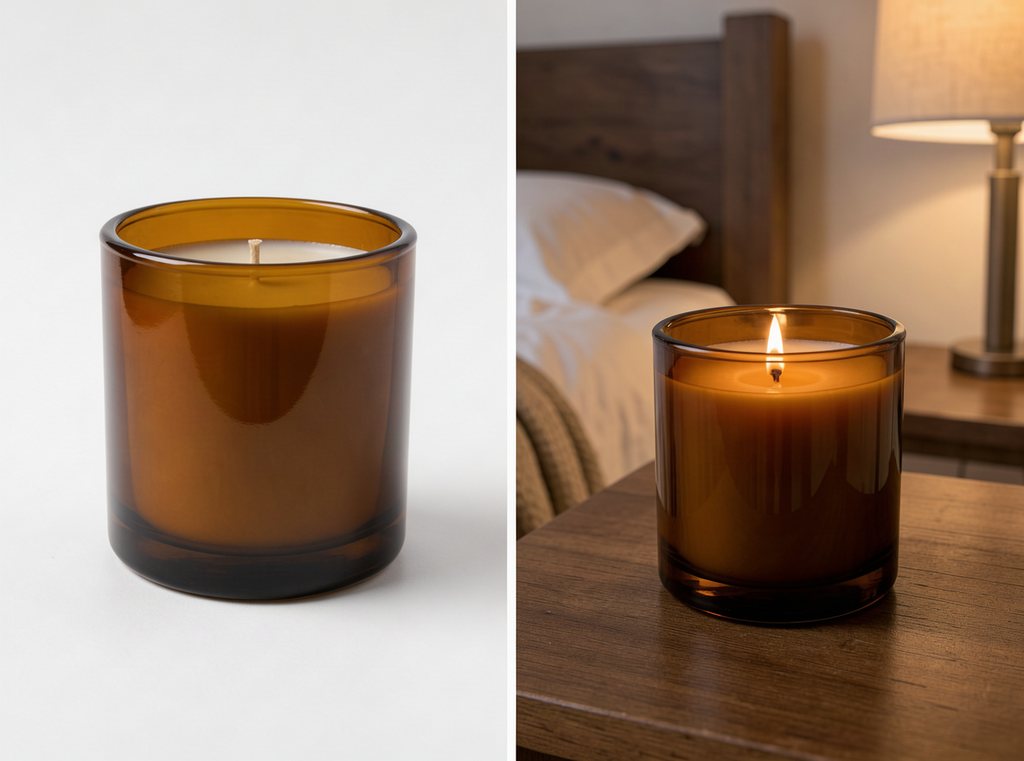
Upload a plain product photo and place it on a kitchen counter, a beach or a studio set while the product stays the same.
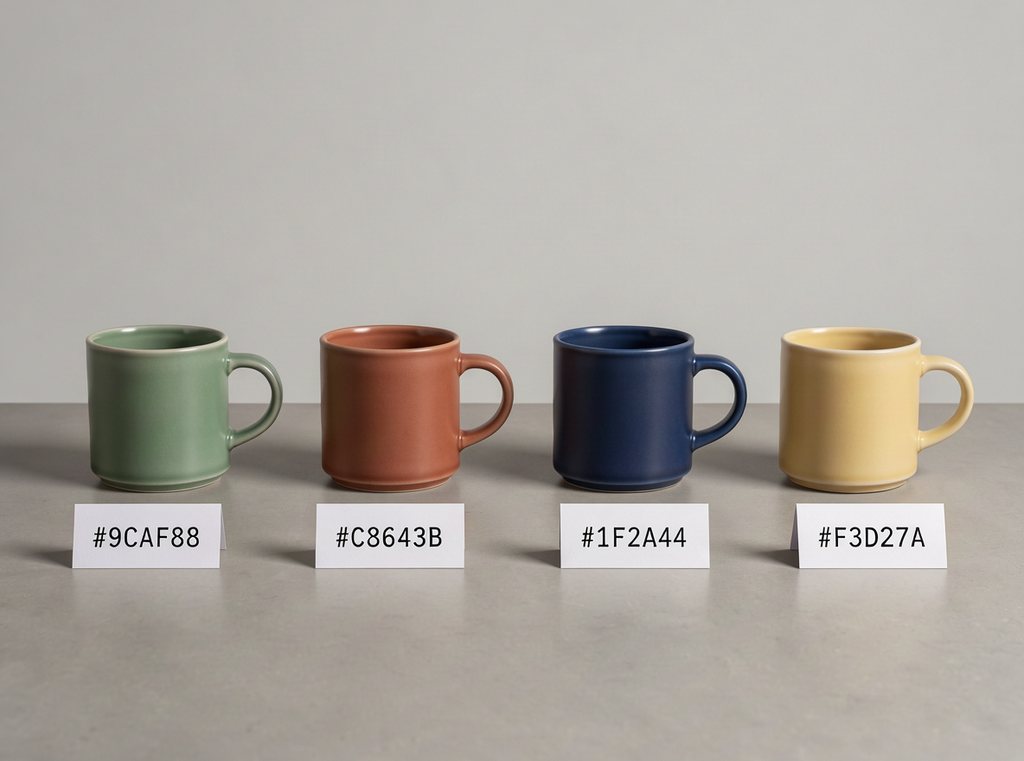
Name the item and the new color to preview colorways before you order samples.
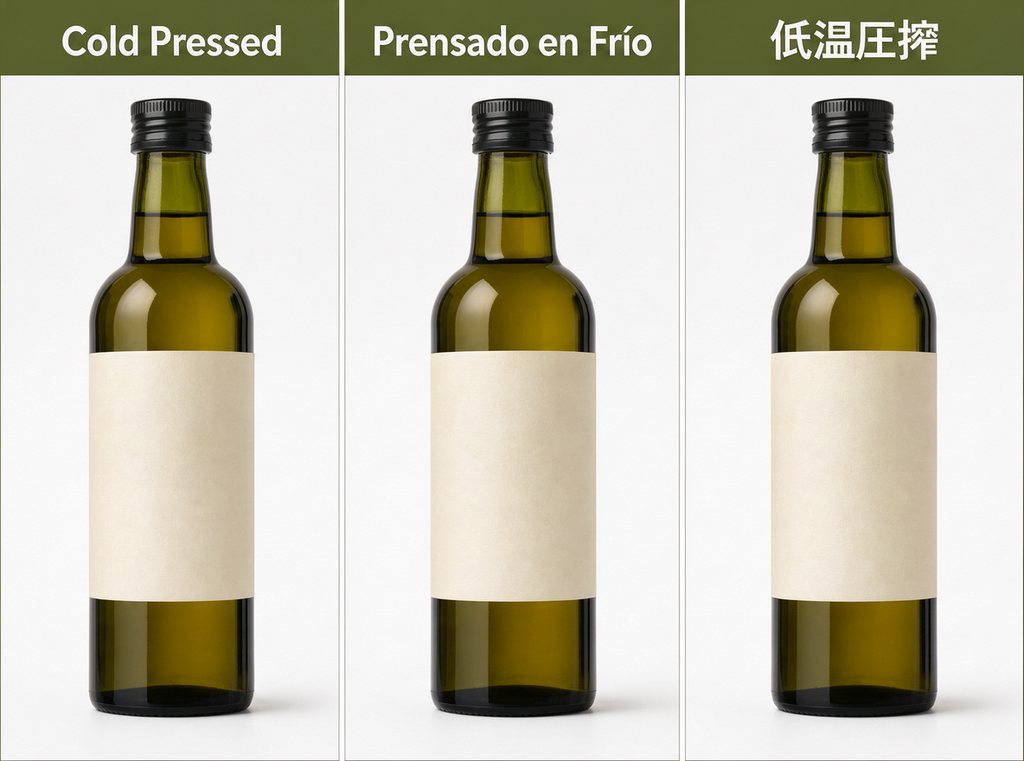
Translate the text on your images for each storefront while the layout and branding stay put.
Simple steps
Sign in, describe the image, draw a layout or upload photos to edit, pick a shape and size, then refine one change at a time. Everything runs in your browser.
Choose the plan that matches how often you generate with Flux3 Image.
Quick answers about the model: what it is, whether it is free, how bounding boxes work, what it costs and who runs this site.
Yes. FLUX 3 is Black Forest Labs' multimodal model for images, video, audio and actions, unveiled on July 23, 2026. Its image part, FLUX 3 Image, reached the API on October 1, 2026: it turns text into images, edits photos, combines up to ten references and places elements with bounding boxes. Flux3 Image (this site) is an independent Flux 3 image generator that lets you use it in your browser.
Sign in with Google, describe what you want to see and press Generate. Put exact words in quotes, then pick an aspect ratio and a size (1K, 2K or 4K). To edit, switch to Image to Image and upload up to 10 photos. To control placement, switch to Layout and draw a box for each element.
BFL has its own Playground, and the Klein version has open weights you can run on your own GPU. On this Flux 3 image generator, new accounts get 12 free credits, enough for 1 image at 1K, with no credit card, and failed runs are refunded automatically. Credit packs and plans add more images, private generations and no site watermark; subscriptions also unlock 4K.
It depends on the job. FLUX 3 Image is the newest and most controllable model in the family, with bounding boxes, up to ten references and output up to 4K. Klein (October 15, 2026) is a smaller 5.6B open-weights version for running locally or training LoRAs. FLUX.2 is the generation before. This Flux 3 image generator gives you the full model.
The official API price is $0.048 per 1K image, $0.10 at 2K and $0.607 at 4K. Here, a 1K image costs 12 credits, 2K costs 24 and 4K costs 143, for text to image and edits alike. The generator shows the exact credits before you press Generate.
No. Flux3 Image (flux3-image.im) is an independent Flux 3 image generator that runs FLUX 3 Image through a third-party API. We are not affiliated with or endorsed by Black Forest Labs, whose own site is bfl.ai.
A bounding box tells the model where an element goes. In Layout mode you draw a box for each element and describe it, and the generator sends the official layout format: a scene caption plus a table of boxes on a 0 to 1000 grid, written as [top, left, bottom, right]. It suits posters, collages, panel grids and crowded scenes where every part has its place.
Yes. Upload 1 to 10 photos and say what to change: recolor an object, replace the background, relight a scene or put a product into a new setting. Refer to the inputs as image 1, image 2 and so on. Photos larger than 4 megapixels, the limit for edit inputs, are scaled down in your browser before upload.
The full model runs on the BFL API, with weights licensed to companies. The open-weights version, Klein, is on Hugging Face under the FLUX Kommunity License and loads in ComfyUI on GPUs down to an RTX 3090. If you would rather not install anything, this Flux 3 image generator gives you the full model in your browser.
Yes. Images you make with this Flux 3 image generator are yours to use in client work, ads, product listings and social posts. Free images carry a small watermark from this site; paid plans remove it. This site makes still images only; FLUX 3 also has a video model, which we do not offer here.
Write a prompt, draw a layout or upload a photo to edit. This Flux 3 image generator runs in your browser, and new accounts get free credits with no card required.
Aspect ratios
Credits per image
Free image on sign-up